 Zinn® Cache
Zinn® Cache
Features
Zinn® Cache is a free page cache and Redis object cache for WordPress on any web server: LiteSpeed's own cache where there is one, the nginx, Varnish or Apache cache your host runs, and a fast file cache everywhere else. Zinn® Cache Pro is the paid add-on that shows what your cache is doing and makes it faster still. Both are translated into 57 languages.
A full-page cache on any server
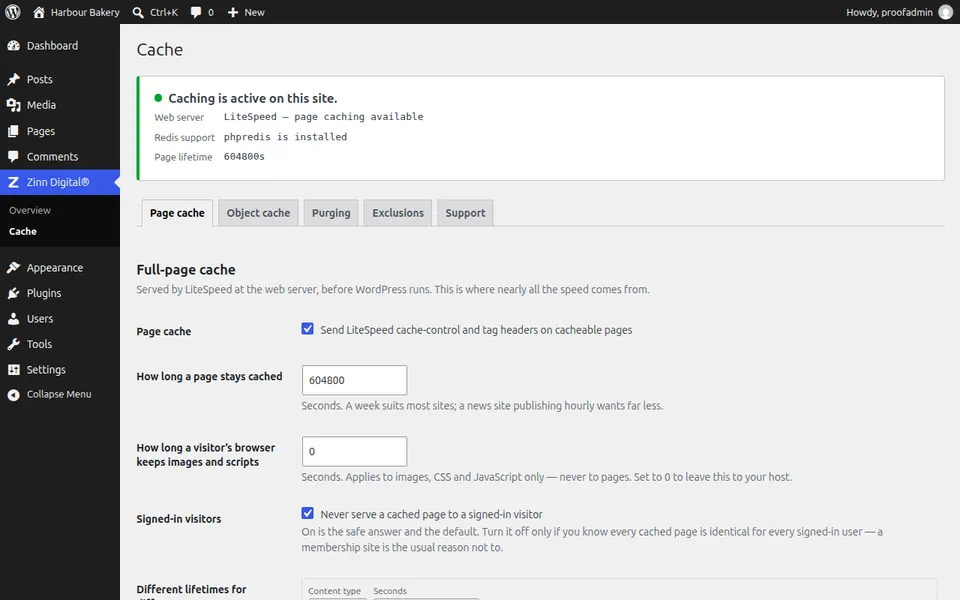
On LiteSpeed, Zinn® Cache stamps the cache-control and cache-tag headers on every front-end response that is safe to store, and the web server hands it to the next visitor. On any other server it keeps the page as a file and serves it from WordPress's advanced-cache.php before WordPress loads. Either way PHP and the database are skipped.
That is the difference between building a page and sending a file, and it is where almost all of a cache's speed comes from. Only visitors who are not signed in get stored pages, and the status panel tells you which page cache is in use.
- LiteSpeed's own cache, or a file cache on any other server
- A lifetime per content type, from 60 seconds to a year
- A browser lifetime for images, CSS and JavaScript — never for pages
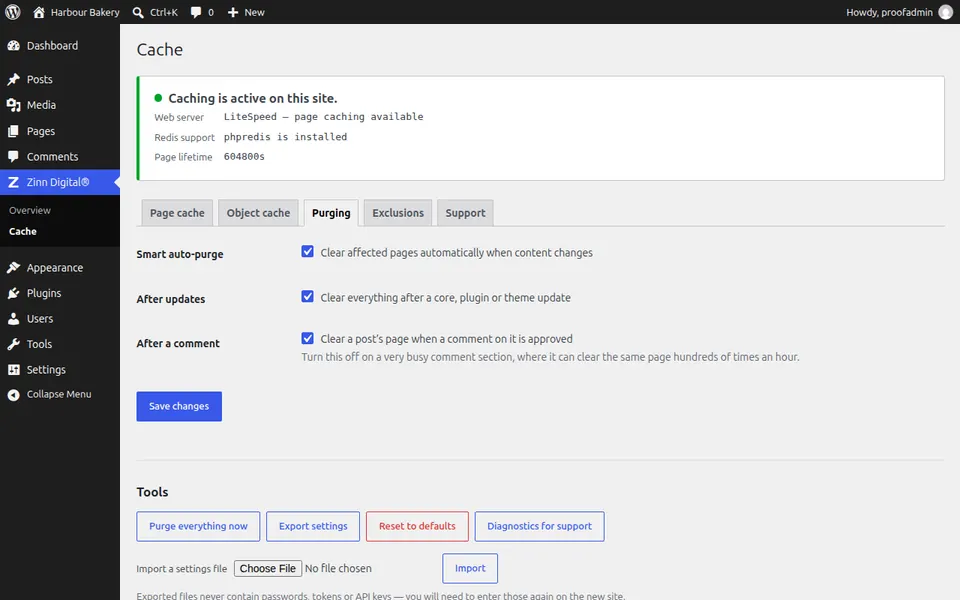
Purging that knows what changed
Every cached page carries tags naming the content on it. When a post is saved, trashed or deleted, a comment is approved or a term is edited, only the pages carrying those tags are cleared — the post itself, its archives, the home page and the feeds it appears in.
Changes that alter every page — the site title, a menu, a widget, the theme, permalinks — clear everything, and so do core, plugin and theme updates unless you switch that off. Purge everything now is one button away when you need it.
- Tag-based purging on content, comment and taxonomy changes
- Site-wide purge on theme, menu, widget and settings changes
- A switch for busy comment threads
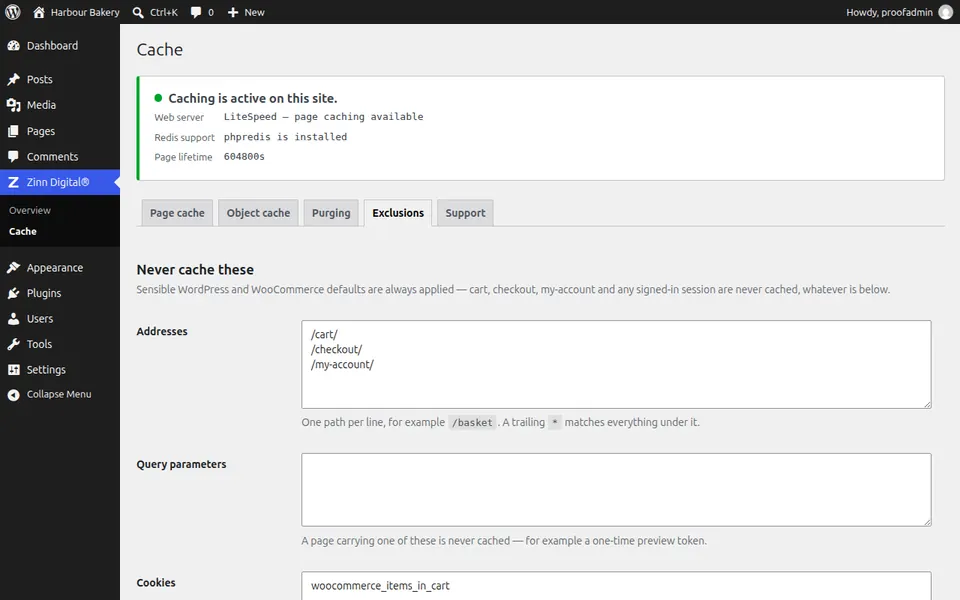
Exclusions that keep shops and accounts correct
A cache that serves the wrong person's page is worse than no cache. Cart, checkout and account pages, add-to-cart requests, REST and AJAX calls, previews and search results are never cached, and nor is any visitor carrying a login, password-protected post, comment or shop session cookie.
WooCommerce and Easy Digital Downloads rules are built in. Anything specific to your site — a custom checkout path, a plugin's session cookie, a preview token — is one line on the Exclusions tab.
- WooCommerce and Easy Digital Downloads defaults
- Your own paths, query parameters and cookie prefixes
- Signed-in visitors excluded by default
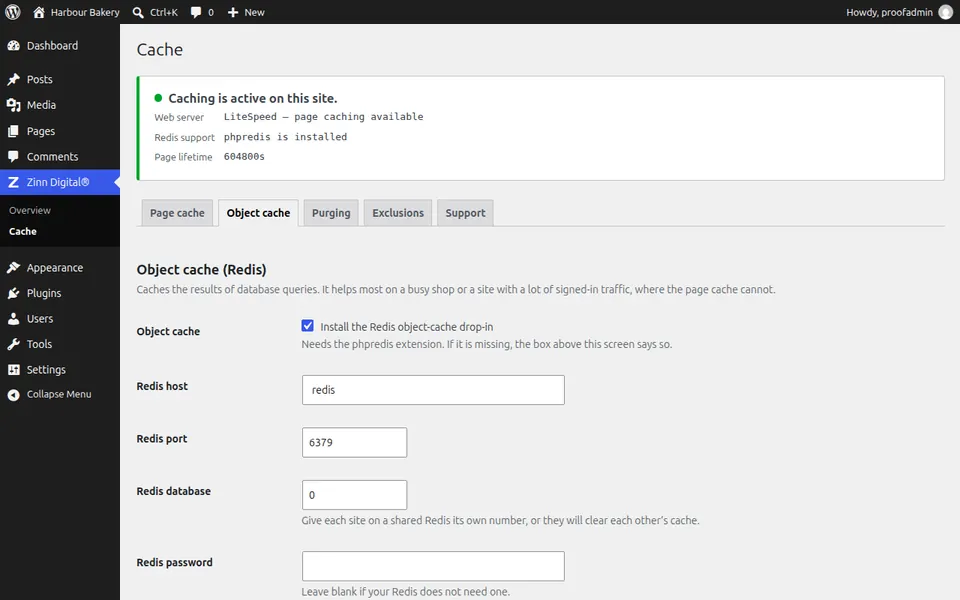
A Redis object cache that fails safely
Pages that cannot be cached — a signed-in member's dashboard, a shop's checkout — are still built by WordPress, and WordPress asks the database the same questions over and over. A one-click toggle installs a Redis object-cache drop-in so those answers come from memory.
It never overwrites another plugin's drop-in, it tells you when phpredis is missing, and if Redis stops answering it serves that request from an in-memory cache instead of taking the site down.
- Host, port, database, password and key prefix
- A separate database number or prefix per site on shared Redis
- In-memory fallback when Redis is unreachable
A cache that tells you whether it is working
A cache that has silently stopped storing anything looks exactly like a working one. `wp zinn-cache status --format=json` reports which page cache is in use, whether the Redis object cache is really connected or has fallen back to memory, and why.
The object cache proves itself with a write-and-read round trip when you turn it on, and the settings screen says why when Redis refuses the login or the data. On a site we host, the object cache is managed for you and the plugin never removes it.
- A status command for scripts and monitoring
- A write-and-read check when the object cache is enabled
- Host-managed mode that leaves the platform's drop-in alone
Zinn® Cache Pro: see what your cache is doing
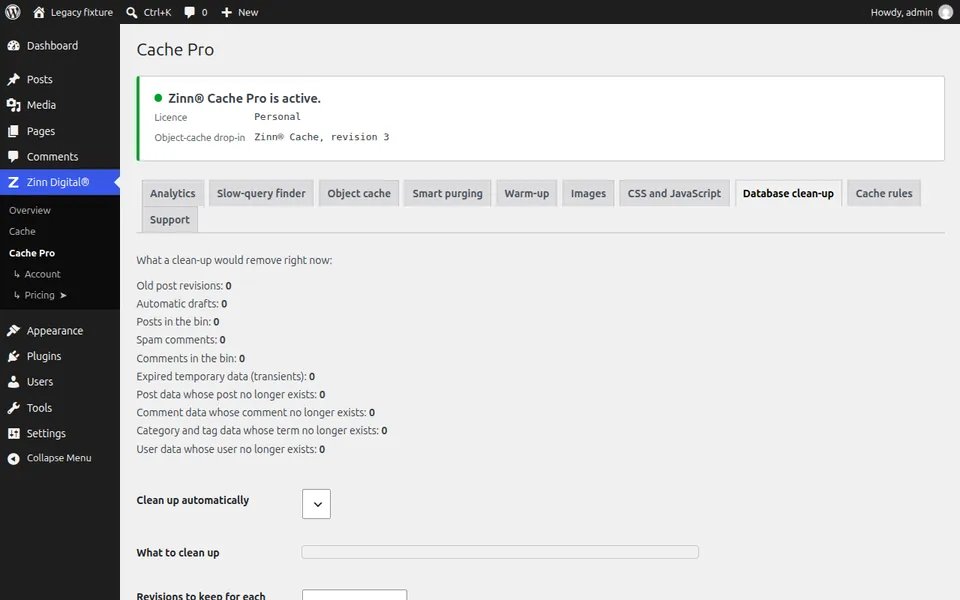
Pro's analytics show the hit ratio, how much the in-memory APCu tier serves, the average Redis command time, memory used and keys evicted. One page view in every 20 is measured for slow database queries, slow calls to other websites and cache misses, each traced to the plugin or theme responsible.
On a site we host, the same figures reach your Zinn Digital® dashboard every hour, and you are emailed when the hit ratio drops, Redis memory fills or keys start being evicted.
- Hit ratio, memory, keys and the slowest cache commands
- Slow queries and uncached calls, named by plugin or theme
- An APCu tier, prefetching and compression for Redis
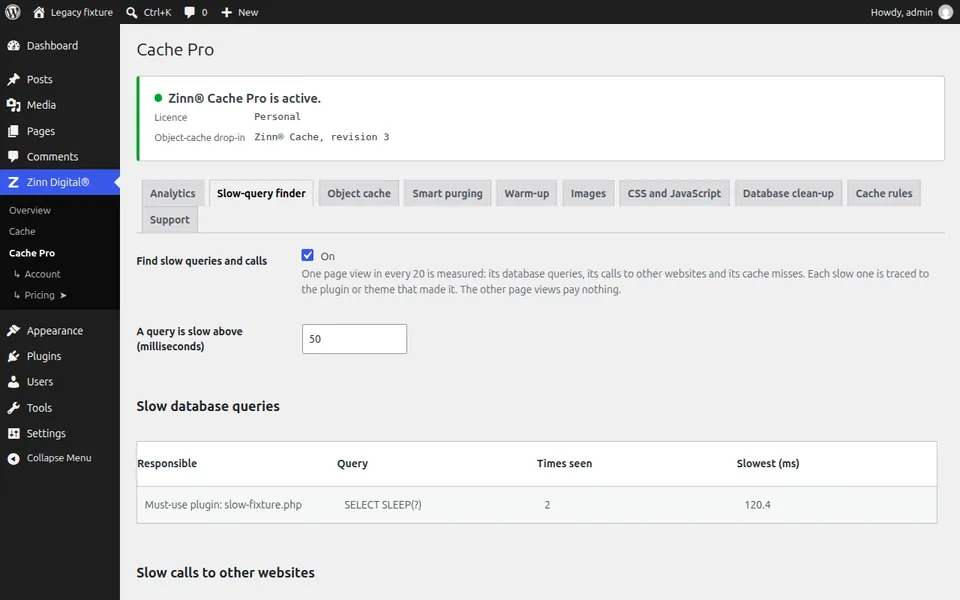
Cache warm-up after a purge
After a purge, the first visitor to each page waits for it to be built. Zinn® Cache Pro walks your sitemap in the background and requests those pages first, so real visitors find them already cached.
It visits one page at a time, pauses between them, slows down by itself when the server is busy and picks up where it left off, so it never overloads the site it is warming.
- Your sitemap, or the one robots.txt lists
- A pause you set, and automatic back-off
- An optional pass for the mobile version
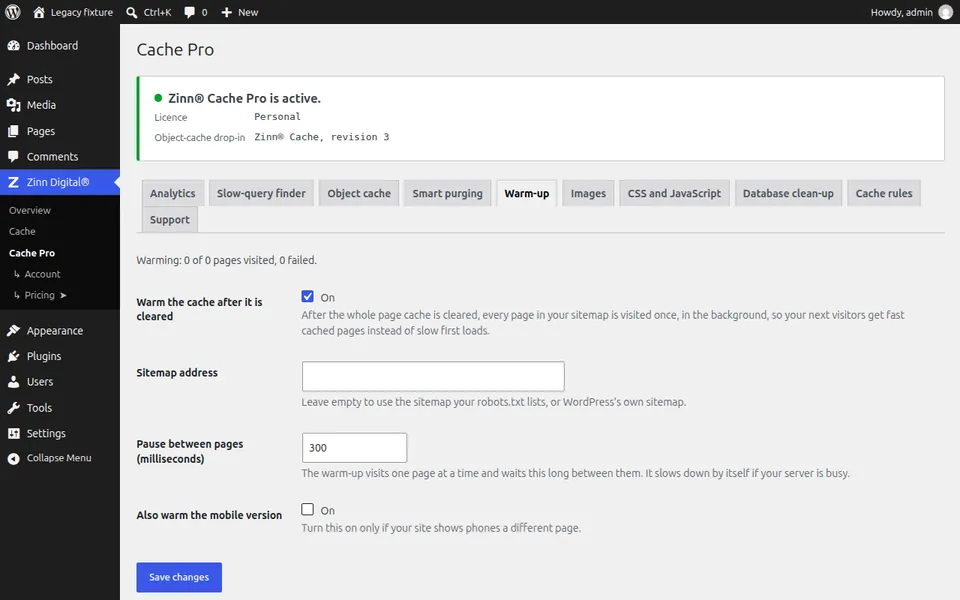
Images, CSS and JavaScript, lighter and later
What happens after the first byte decides how fast a page feels. Zinn® Cache Pro makes WebP and AVIF copies of your images beside the originals, removes CSS a page does not use, and delays JavaScript until the visitor first scrolls, taps or clicks.
The safe defaults leave WooCommerce checkout, analytics and consent tools alone, and each option has a list of pages, stylesheets or scripts to skip, so one awkward file does not stop you optimising everything else.
- WebP and AVIF images, removable with one click
- Unused-CSS removal with a keep list
- Delayed JavaScript with safe defaults
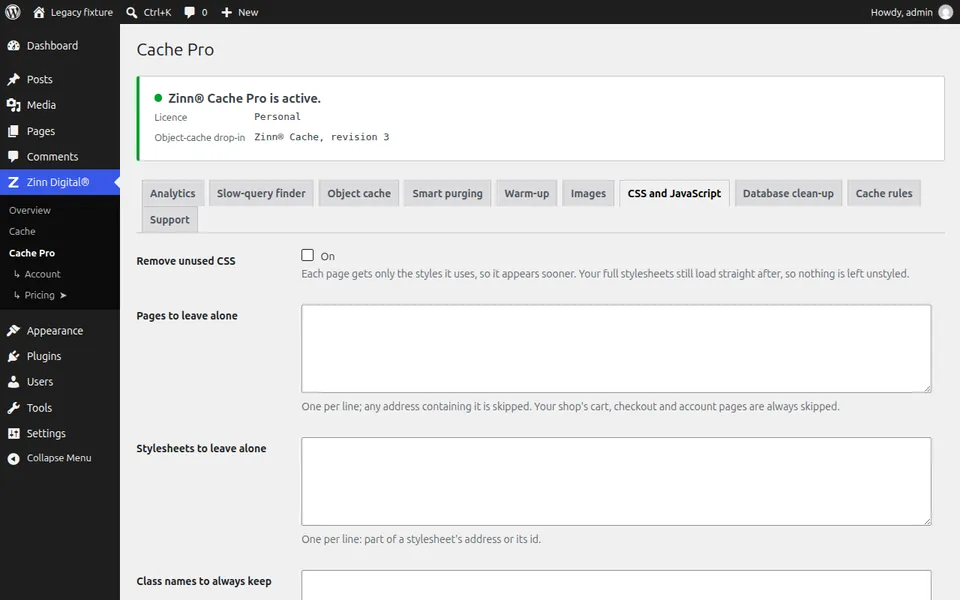
A database without the clutter
WordPress keeps every revision of every post, auto-drafts, trashed items and expired transients until something removes them. On an older site that can be most of the database.
Zinn® Cache Pro's Database clean-up tab shows exactly what would be removed before anything is, keeps as many revisions per post as you choose, and can run on a schedule.
- Revisions, auto-drafts, bin, spam and transients
- A preview before anything is removed
- A schedule, and a revision limit per post
No third-party service in the cache
The free plugin talks to nobody unless you opt in: not a CDN service, not an analytics service. Freemius, which handles the opt-in and the upgrade to Pro, asks first, and on a site we host it is never shown.
Zinn® Cache Pro checks its licence and its updates with Freemius, because that is how a paid plugin is sold and kept up to date. It sends no visitor data and no post content.
- No CDN or optimisation service in the plugin
- Freemius only with your opt-in, or your Pro licence
- Support reports shown to you in full before anything is sent
Updates that install whenever you click
Zinn® Cache updates from Zinn Digital®. Zinn® Cache Pro updates through Freemius with your licence. In both cases the download is fetched when you click Update, so an update seen months ago still installs.
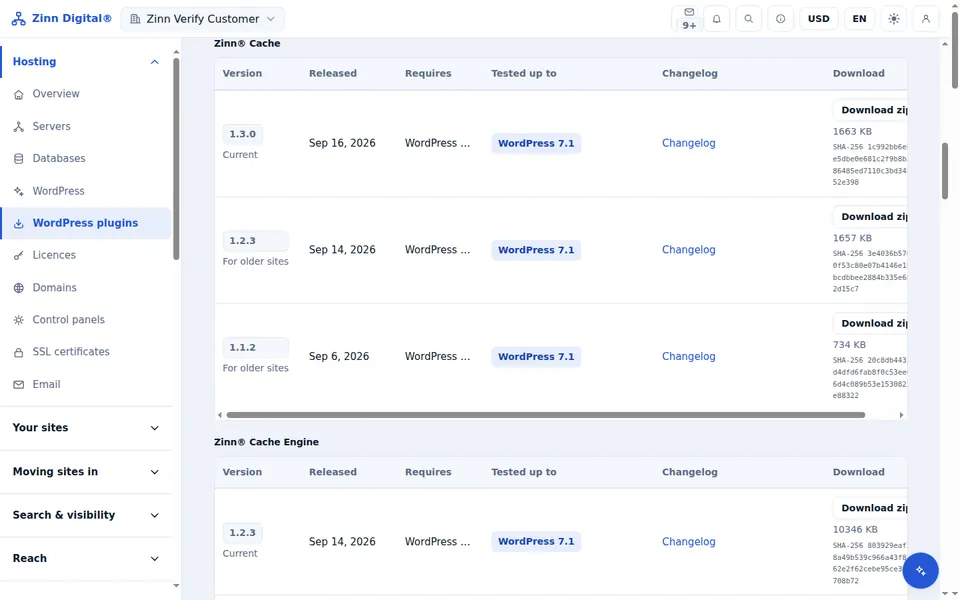
If an update of the free plugin ever needs rolling back, every published version is on the Older versions tab of the Plugins page in the Zinn Digital® app.
- Fetched fresh at the moment you update
- Updates rolled out for you on our hosting
- Every earlier version of the free plugin in the app
Settings in 57 languages, right-to-left included
Every string either plugin adds to the WordPress admin is translated — labels, notices, errors and settings — and the translations ship inside the plugin, so they work as soon as the site language is set.
Arabic, Persian, Hebrew, Pashto and Urdu screens were rendered in a real WordPress install and checked. Where a community translation exists on WordPress.org, WordPress loads it ahead of ours.
- Bundled translations, no language pack to install
- Right-to-left screens checked in a browser
- Community translations take priority
AI assistants can run your cache
Zinn® Cache has its own MCP server, so Claude, Cursor, VS Code and other AI assistants can read the cache status, change settings and purge pages for you, signed in as you and allowed only what you are allowed.
With Zinn® Cache Pro the same assistant can warm the cache, read the analytics and the slow-query finder, convert images and clean up the database. Each tool is listed, with its inputs, in the developer documentation on zinndigital.com.
- 10 tools in the free plugin and 12 more with Pro
- Signed in with an application password, limited to your own permissions
- Switch it off at any time under Cache → AI agents (MCP)
Included free with Zinn Digital® hosting
Get Zinn® Cache free on Zinn Digital® hosting
Every WordPress site on our own servers comes with Zinn® Cache installed and connected: the page cache is on, the Redis object cache is managed for you, and plugin updates arrive on their own. Zinn® Cache Pro is not included; add it to any site when you want it.